
You must be a paid monthly or annual member and login to RSVP
Membership https://greatcareers.org/membership
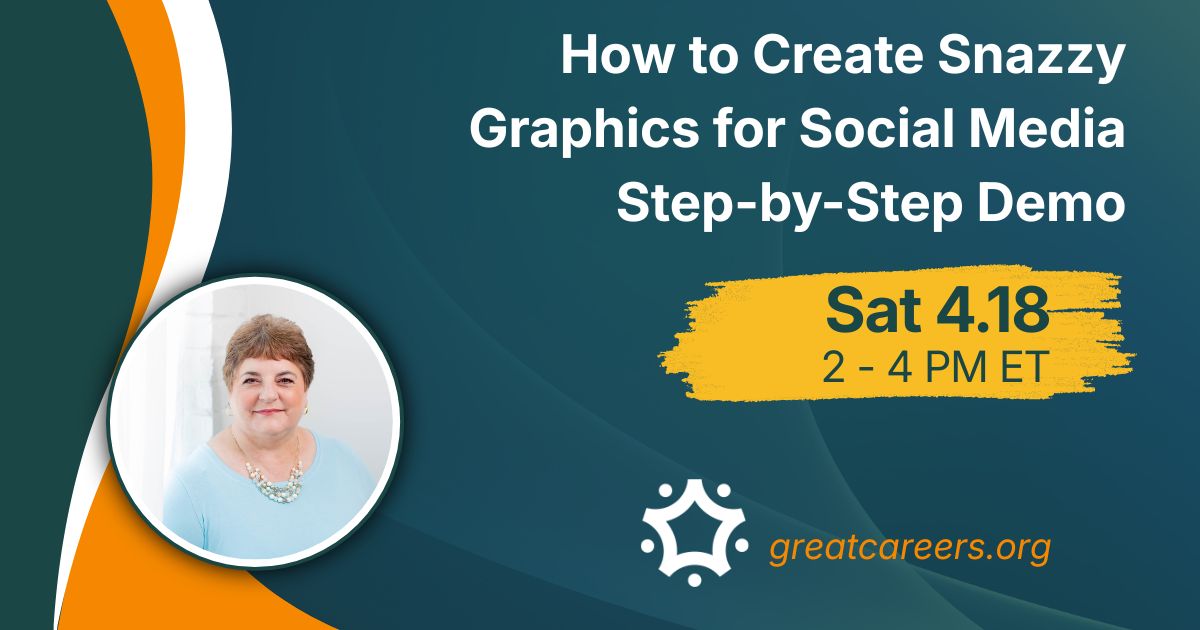
This workshop will offer step-by-step demos of some tools you can use to create banner images or images for social media or a blog post, presentations, videos, and more.
- Do you need a banner image, an image for social media, a blog post, or a presentation or video?
- Are you familiar with Canva, GoDaddy Studio, Snappa, Picktochart, or WordArt?
- Do you know where you can get images that do not violate copyright laws?
- Canva.com is a graphic design tool and you can use it for social media, personal, business, marketing, education, and more. There are so many templates available, and with too many to list, take a peek yourself
Join us to learn more! We will allow time for Q&A.
SPEAKER BIO
Lynne Williams is the Executive Director of the Great Careers Network, which provides online career development and networking for career transition (job seekers) and career management (employed and self-employed). Lynne writes resumes, LinkedIn profiles, and LinkedIn company pages, with a focus on keywords.
SPEAKER CONTACT INFO
https://www.linkedin.com/in/lynnewilliams
Linktree: https://linktr.ee/lynnewilliams